Sidebar
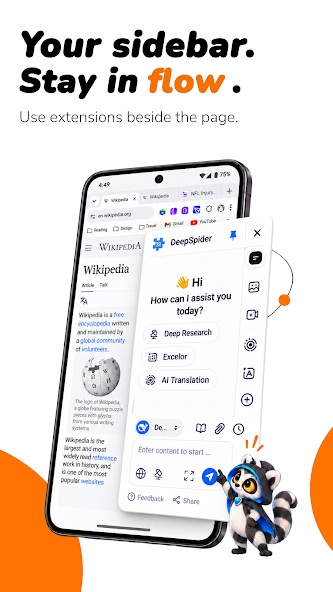
Your sidebar.
Stay in flow.
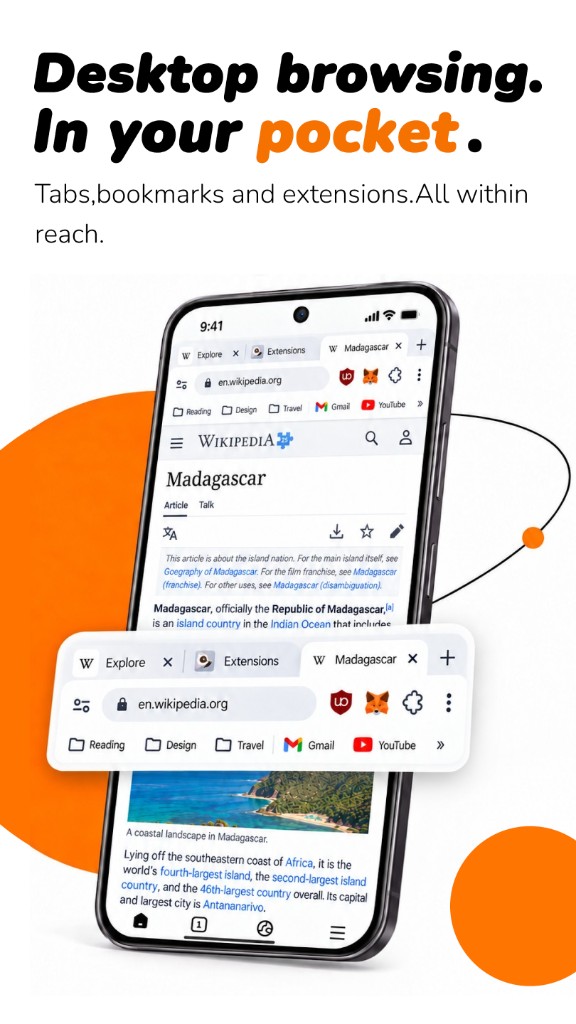
Use extensions beside the page. An assistant, a translator or a research tool stays open while you read, instead of covering the article.
Sidebar
Use extensions beside the page. An assistant, a translator or a research tool stays open while you read, instead of covering the article.
Community
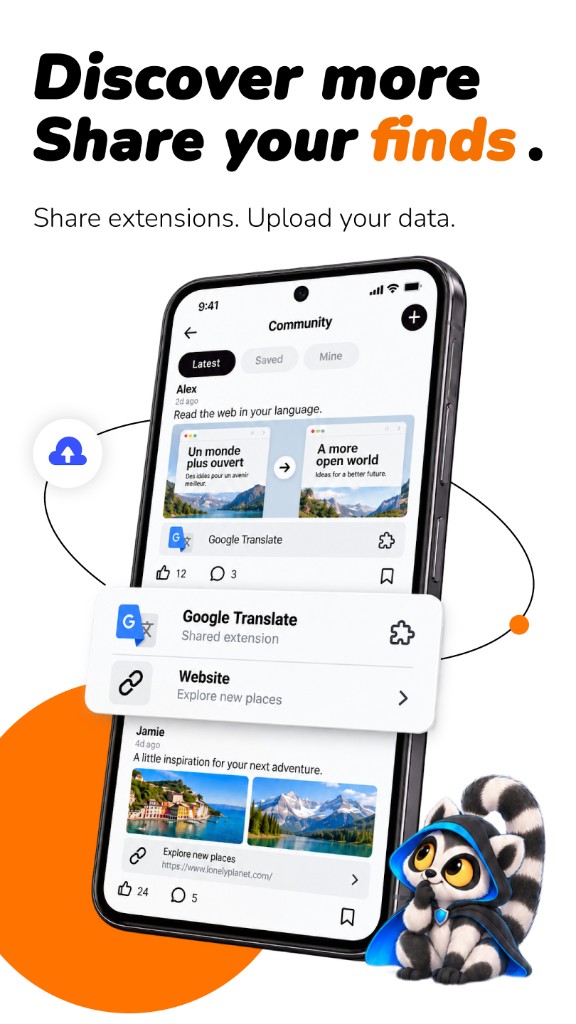
Share extensions. Upload your data. See what other people are using, save the ones you like, and pass a good extension on.
Extensions
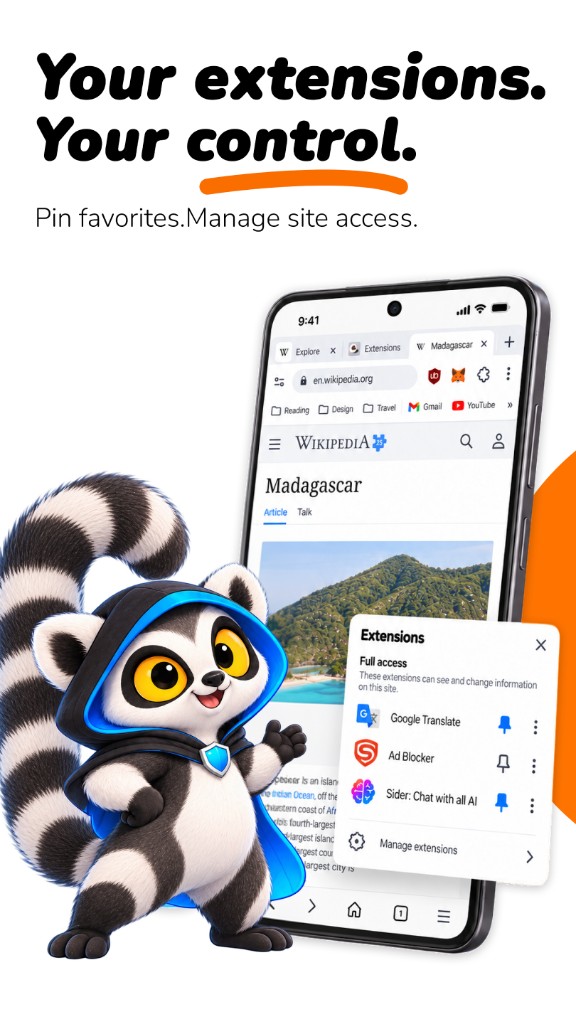
Pin favorites. Manage site access. See which extensions can read and change the page, and turn that access off when you want.
Pop-ups
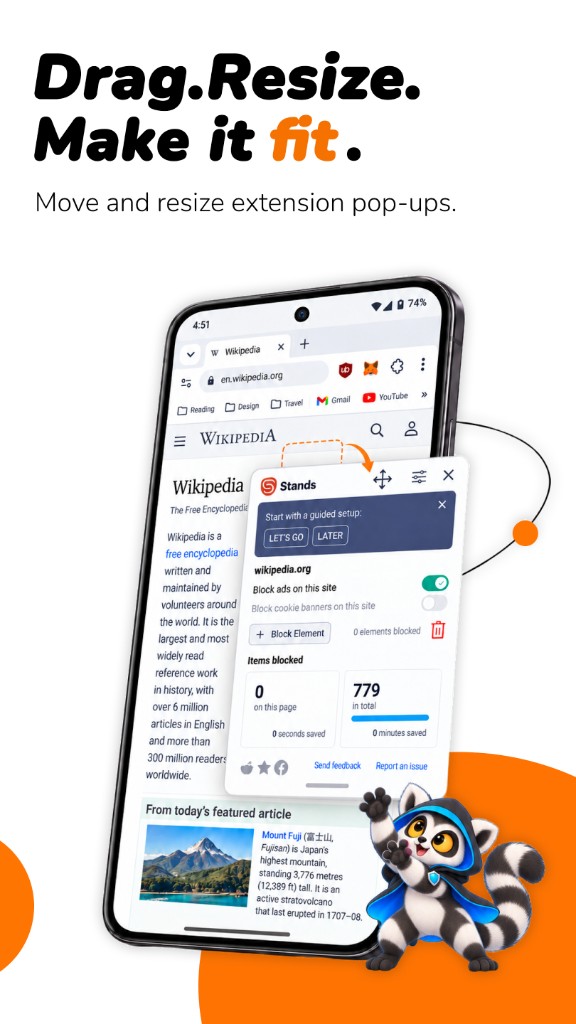
Move and resize extension pop-ups. Put the panel where your thumb is, and make it as large or as small as the page needs.
Lemur
Tabs, bookmarks and extensions. All within reach.
NEW Reborn
Welcome back Kevinlinpr, the founder who left on 6 March 2024. On 6 September 2026 he completed a 100% buyback. Shirley, Chief Design Officer, Deacon, Chief Architect, and AllenTom, Chief Technology Officer, are back with him. The future of Lemur looks bright.
 Indonesia
 Vietnam
 Brazil
 India
 Philippines
The household desktop-class browser people keep on their phone.
200Kopen it every day
67%come back
The browser
Lemur is a Chromium browser. Install extensions from the Chrome Web Store and Microsoft Edge, including userscripts. Keep them in a sidebar, pin the ones you use every day, and decide what each one can access. When a pop-up gets in the way, drag it and resize it. When you find something useful, share it.

From the same founder
Find your vibe
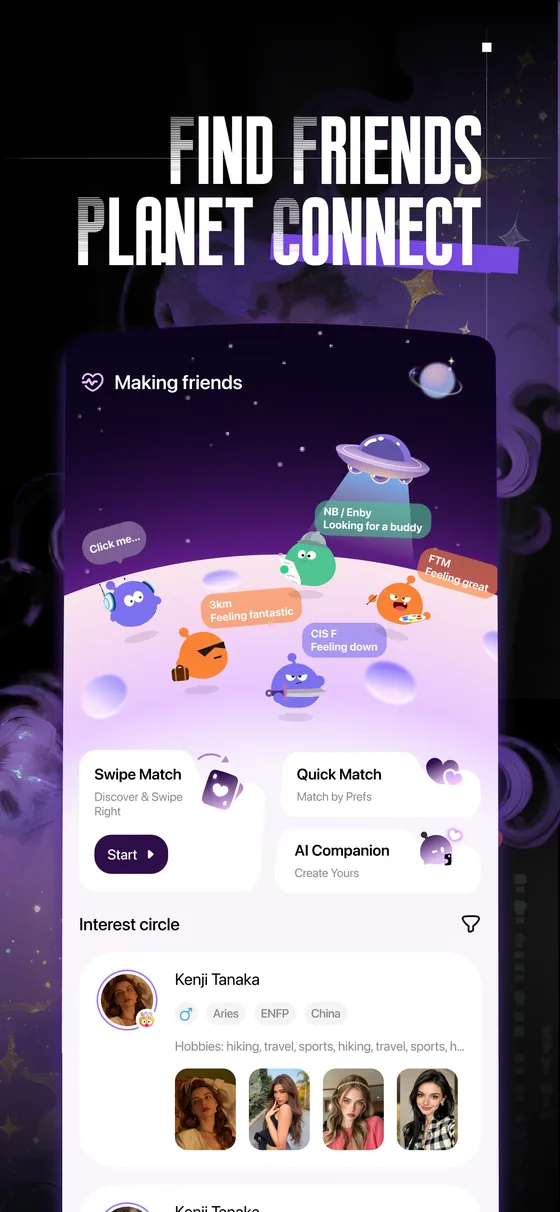
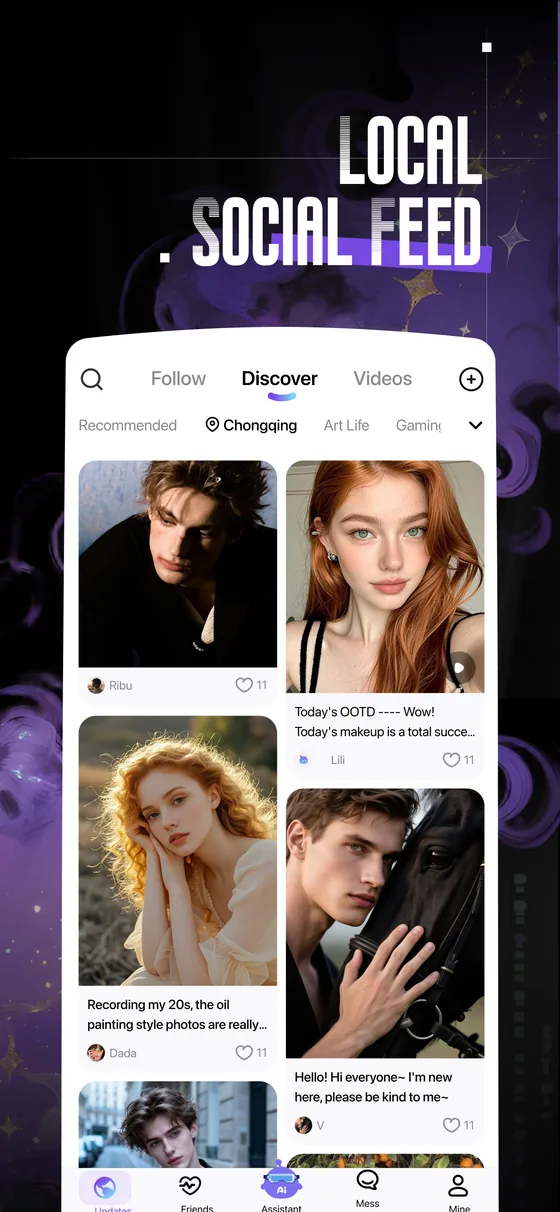
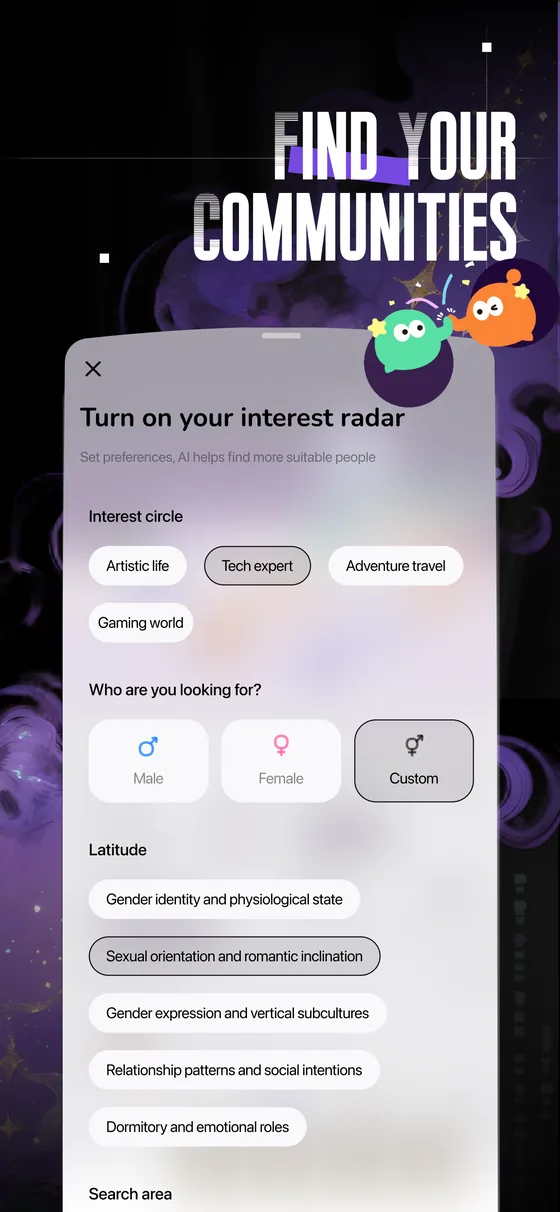
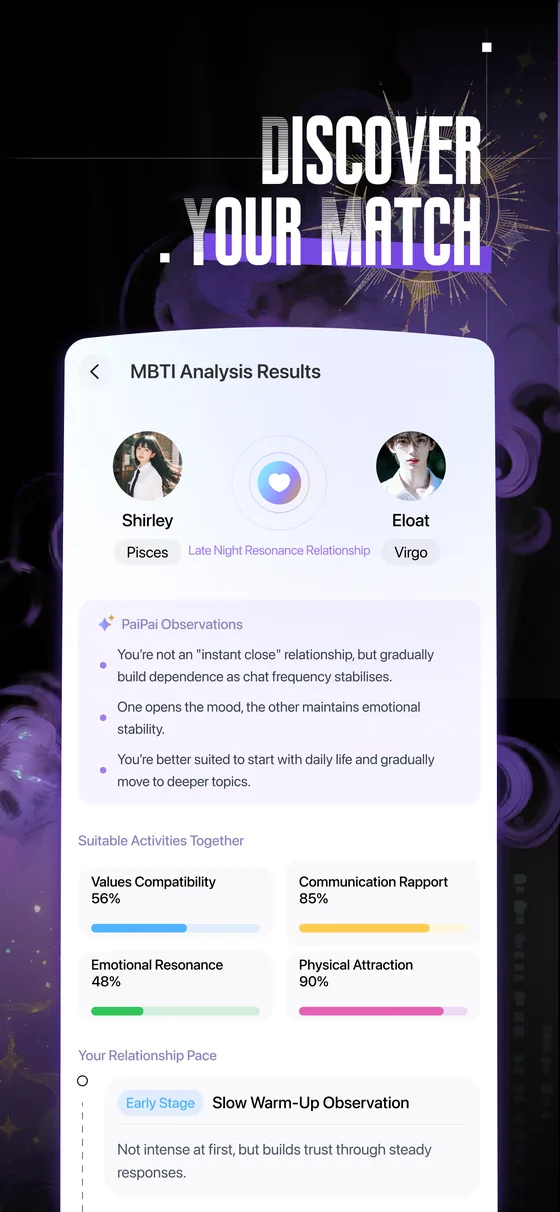
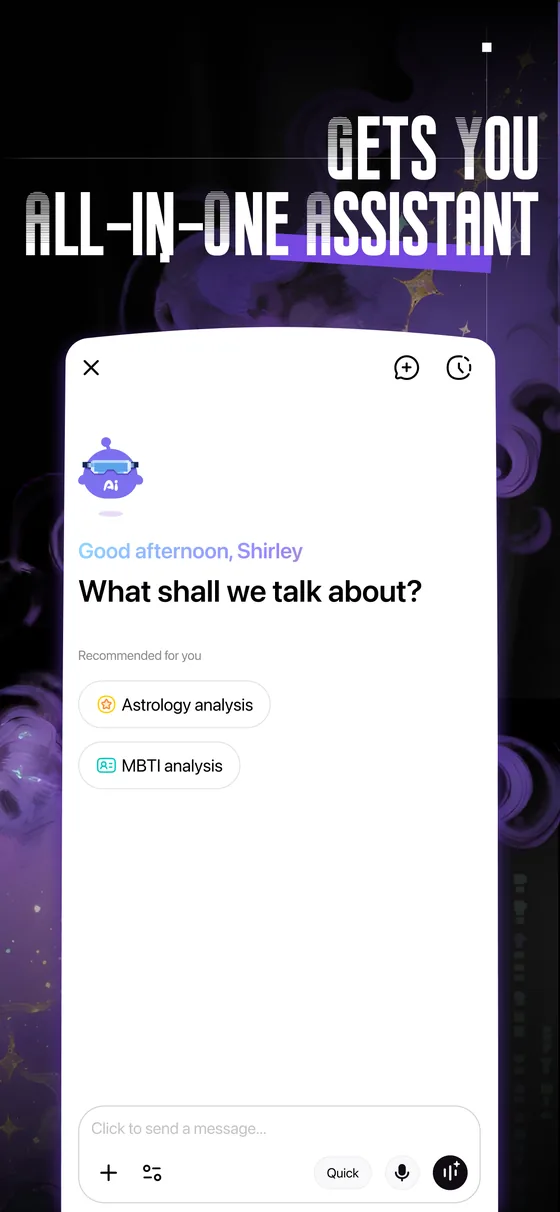
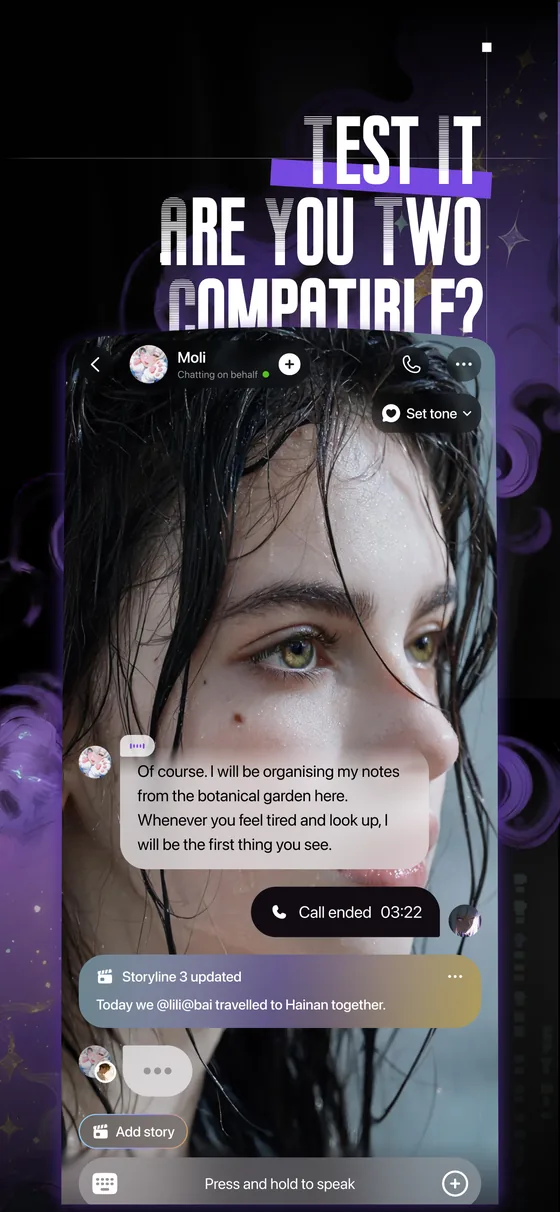
Paip.AI is the social app beside Lemur, from the same founder, Kevinlinpr. It starts from real people and real posts. A post, a tag, or a shared interest is enough to meet friends on your wavelength.










 Lemur
Download
Android. Chromium. Extensions beside the page.