








 Lemur Store ↗
 Chrome Web Store ↗
 Edge Add-ons ↗
 Import extensions ↗
DARK MODEA darker look.
A darker look.
A gentler view.
Switch to a darker palette for comfortable browsing.



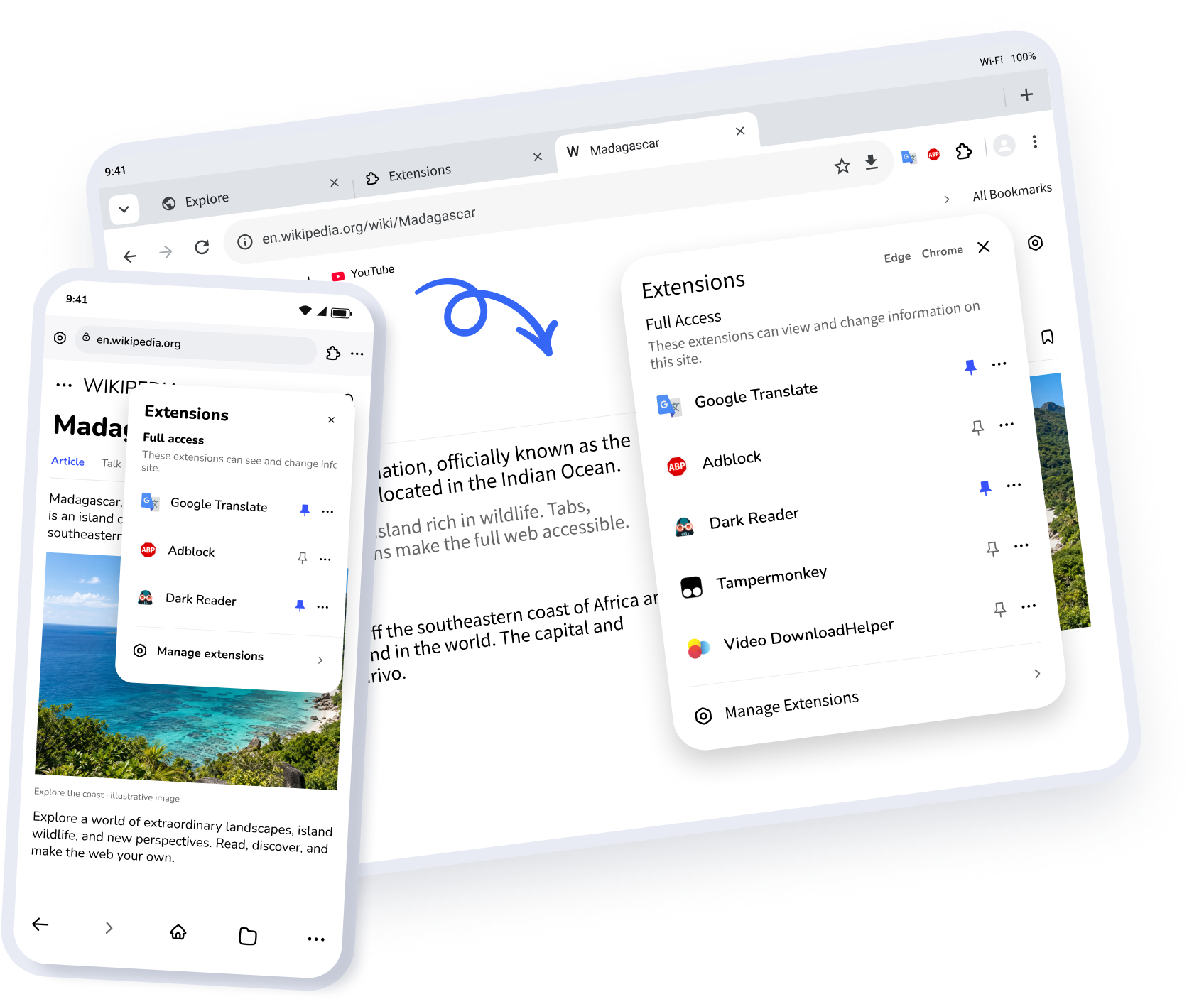
Bring Chrome and Edge extensions to Android.
Translation, ad blocking, scripts, and desktop-style browsing. Made to work on your phone.
LEMUR BROWSER
Install from the Lemur Store, Chrome Web Store, or Edge Add-ons.
You can also import local .crx files.
Give every page the tools you need.
A small tool can change the way you browse.
Start with a few favorites. Add more as you need them.
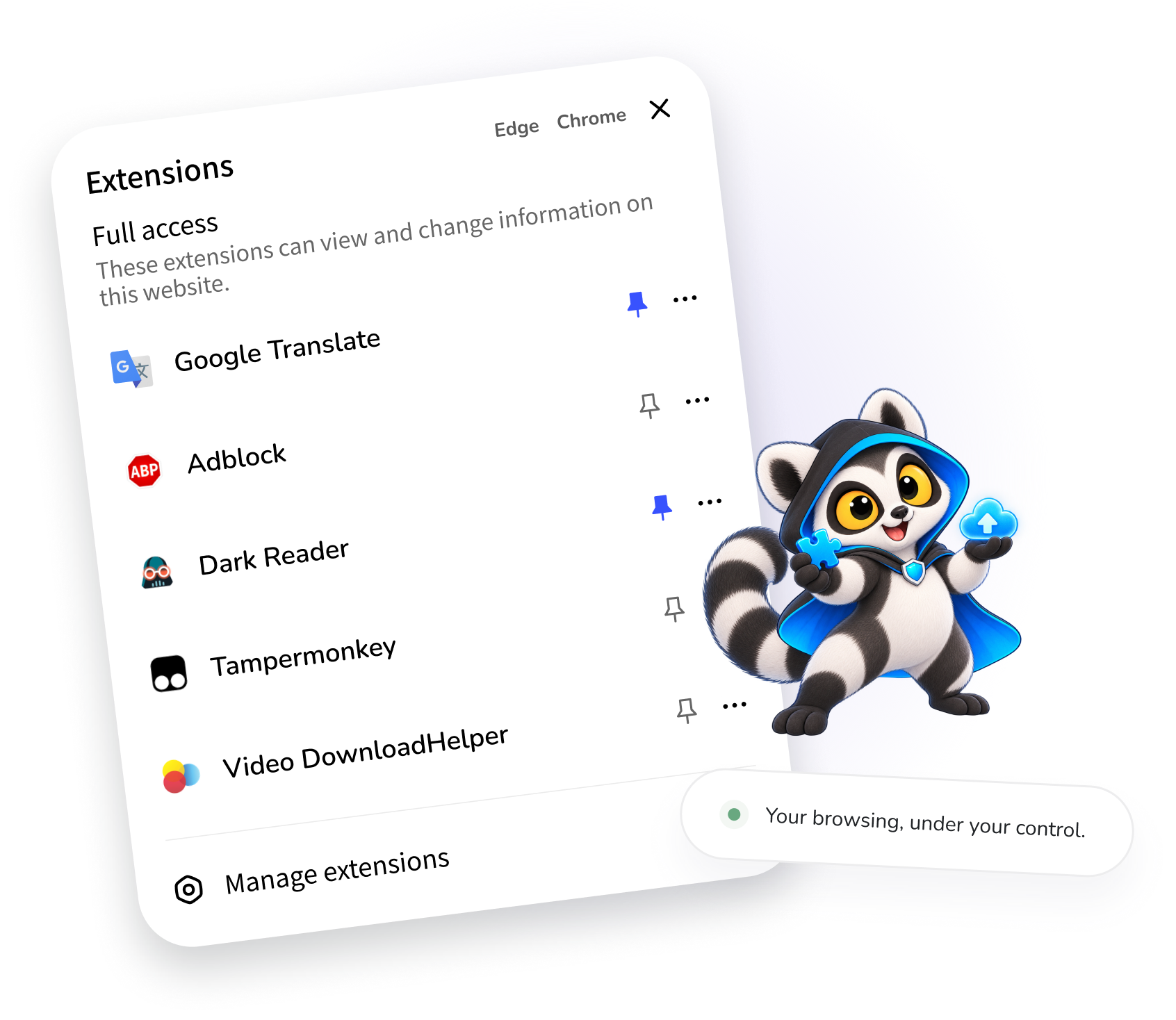
Pin your favorite extensions for quick access.
Choose which websites each extension can access.
Easy to use. Easy to manage.
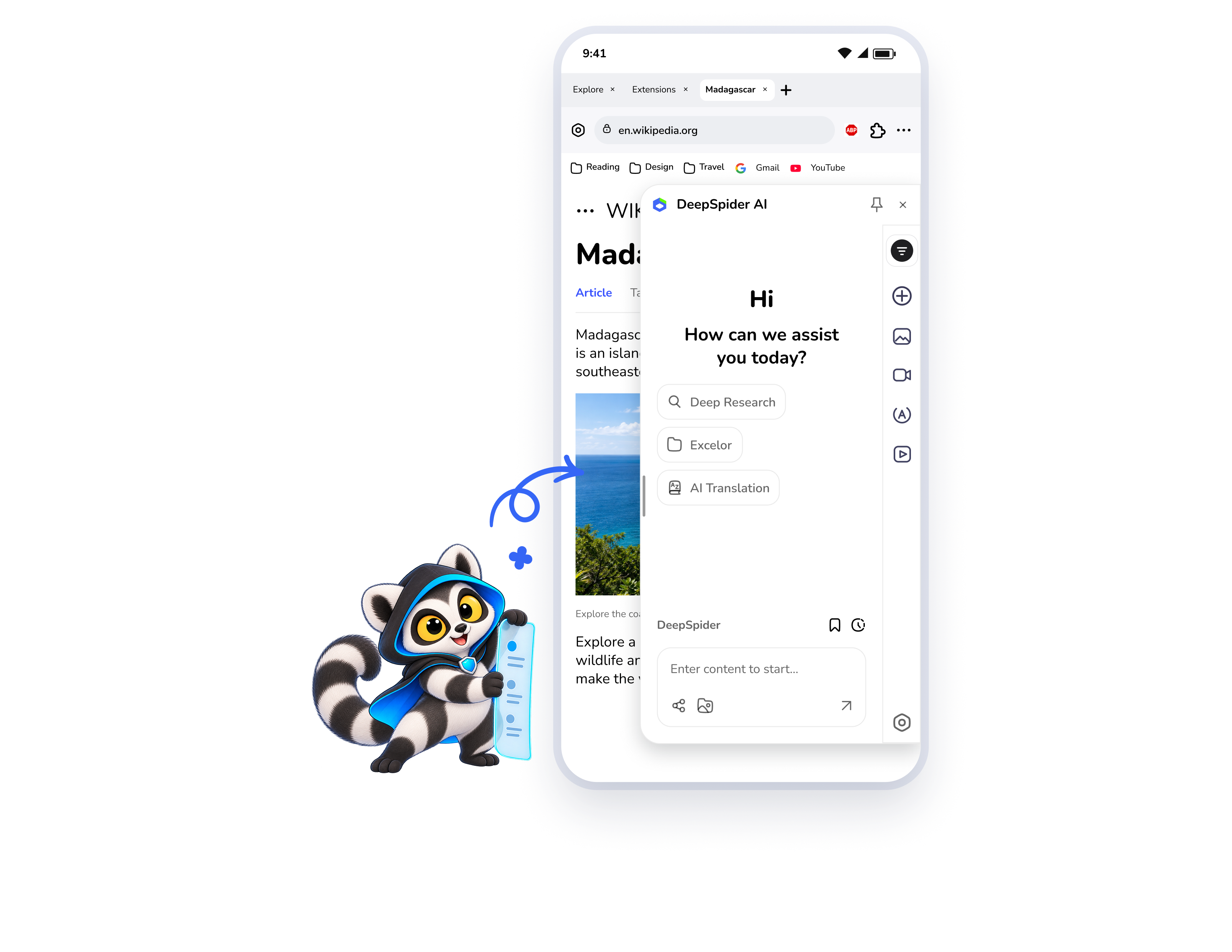
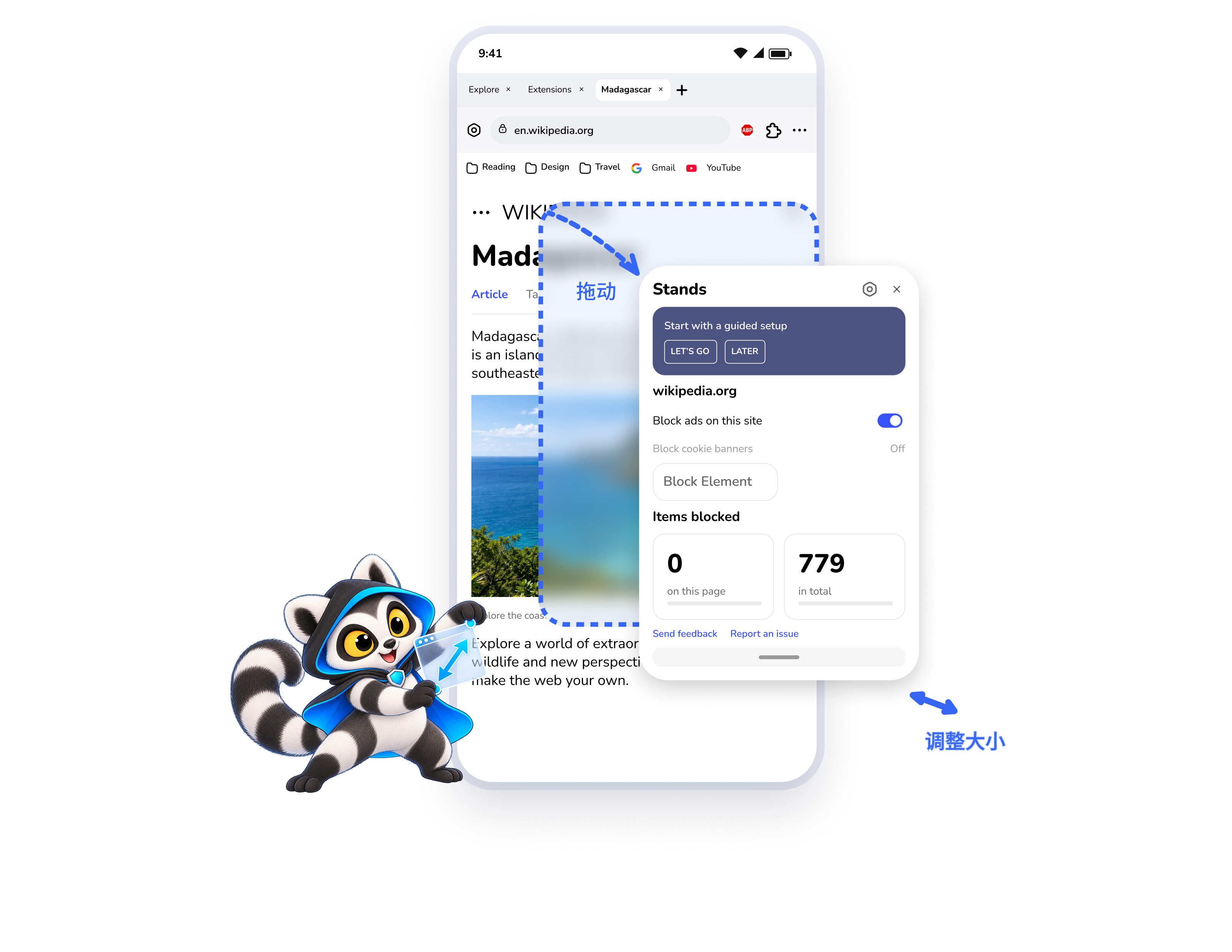
Keep tabs, bookmarks, and extensions in view. Open tools beside your page and move pop-ups where you need them.
Less switching. More doing.
Turn on desktop mode to keep tabs, bookmarks, and favorite extensions within reach. Research, read, and use your tools in one organized workspace.
Switch tabs easily. Keep your favorite tools close.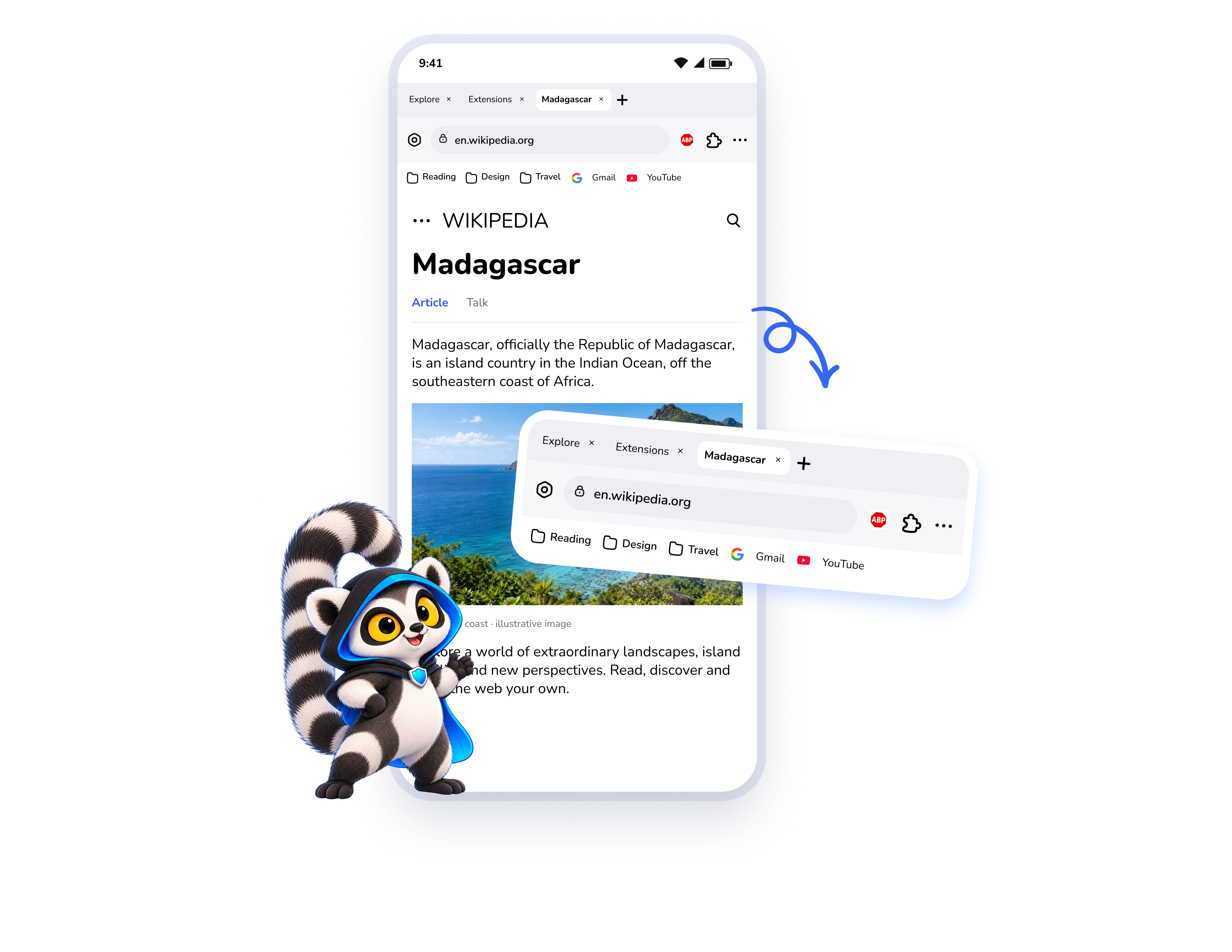
Switch to a darker palette for comfortable browsing.
Choose the browsing mode that suits you.

 Classic mode
 Incognito mode
 Desktop mode
Sync your browsing history, bookmarks, open tabs, and settings between Android phones and tablets. Pick up where you left off.
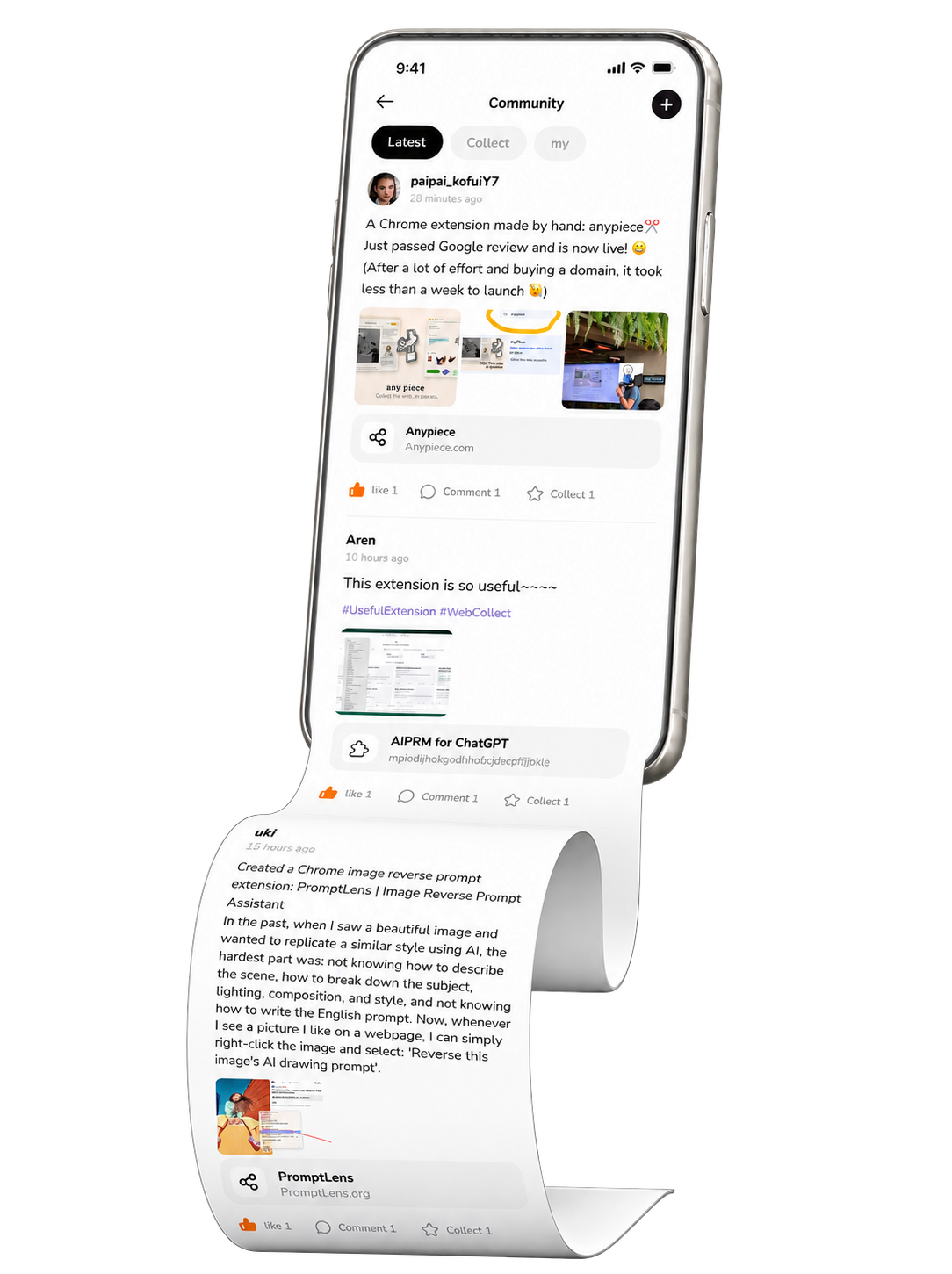

Discover, save, and discuss extensions in the Lemur community.
Share useful websites and tools,
or import your own .crx extensions.

Downloads on Google Play

Lemur is available for Android phones and tablets. Desktop-style browsing describes the interface on your mobile device; it is not a separate app for desktop computers.
You can install extensions from the Lemur Store, Chrome Web Store, and Edge Add-ons. Some extensions rely on desktop-only features, so compatibility depends on the extension, its version, and your device.
Yes. Import local .crx files through extension management in the app. Check the source of each extension and the permissions it requests.
Yes, you can get started for free. Optional memberships are also available. See the app for current benefits, pricing, and subscription terms.
Reviews translated from Chinese. Names are shown as originally published.